
Student attendance management, from the classroom to the principal.
Faculty mark a class in a few taps, biometric terminals sync on their own, and heads of department see who is falling behind before it becomes a problem.
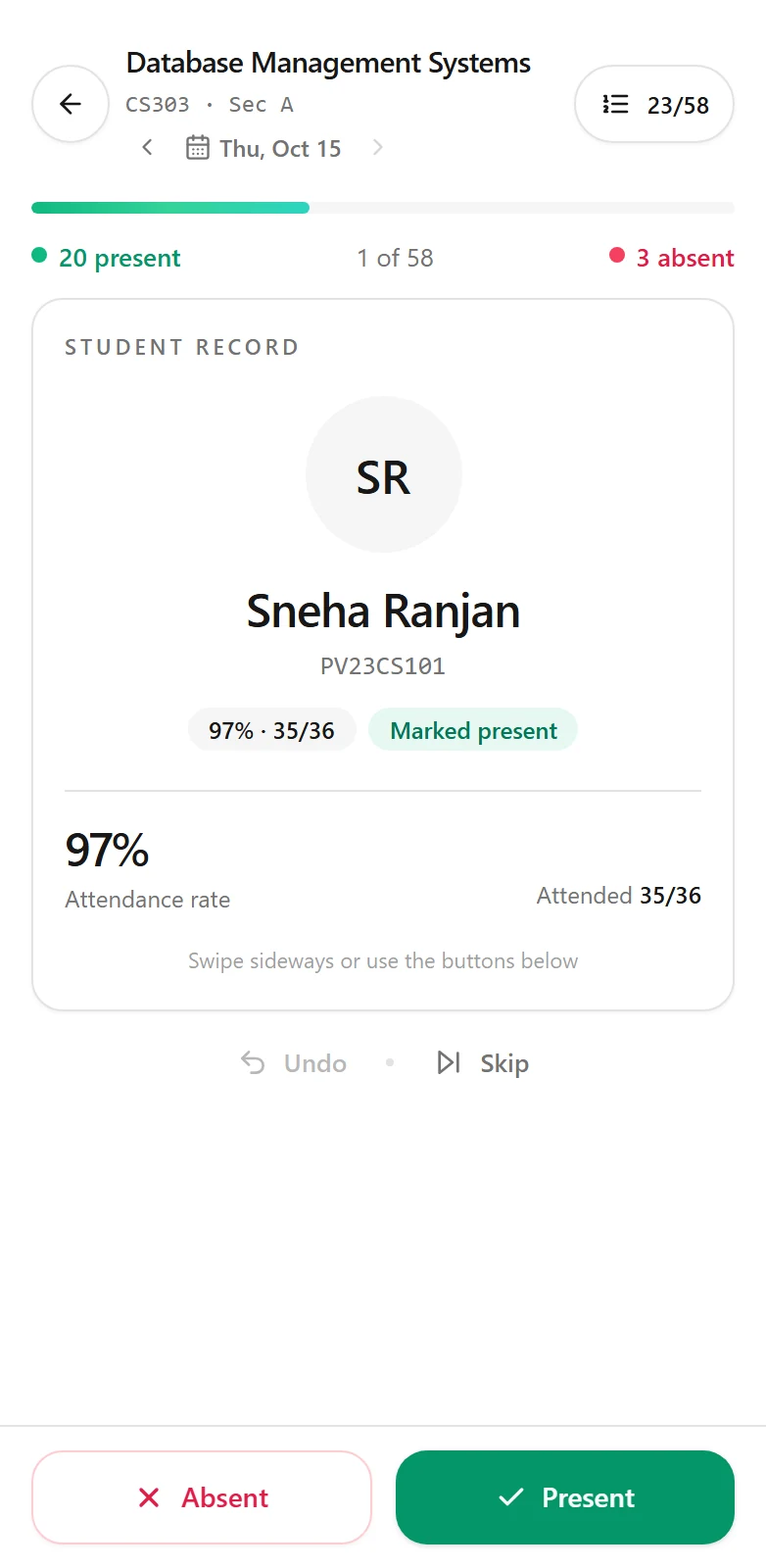
An attendance app teachers are happy to use.
Faculty open their class and mark it the way that suits them: the whole register at once, or one student at a time with a quick swipe or tap. It works on a desktop in the staff room or a phone in the classroom.
- Mark as a register or student by student
- Works in the browser on any phone or computer
- Each record is saved straight to the student’s attendance
Try a simplified version of the marker in the swipe demo on our home page.
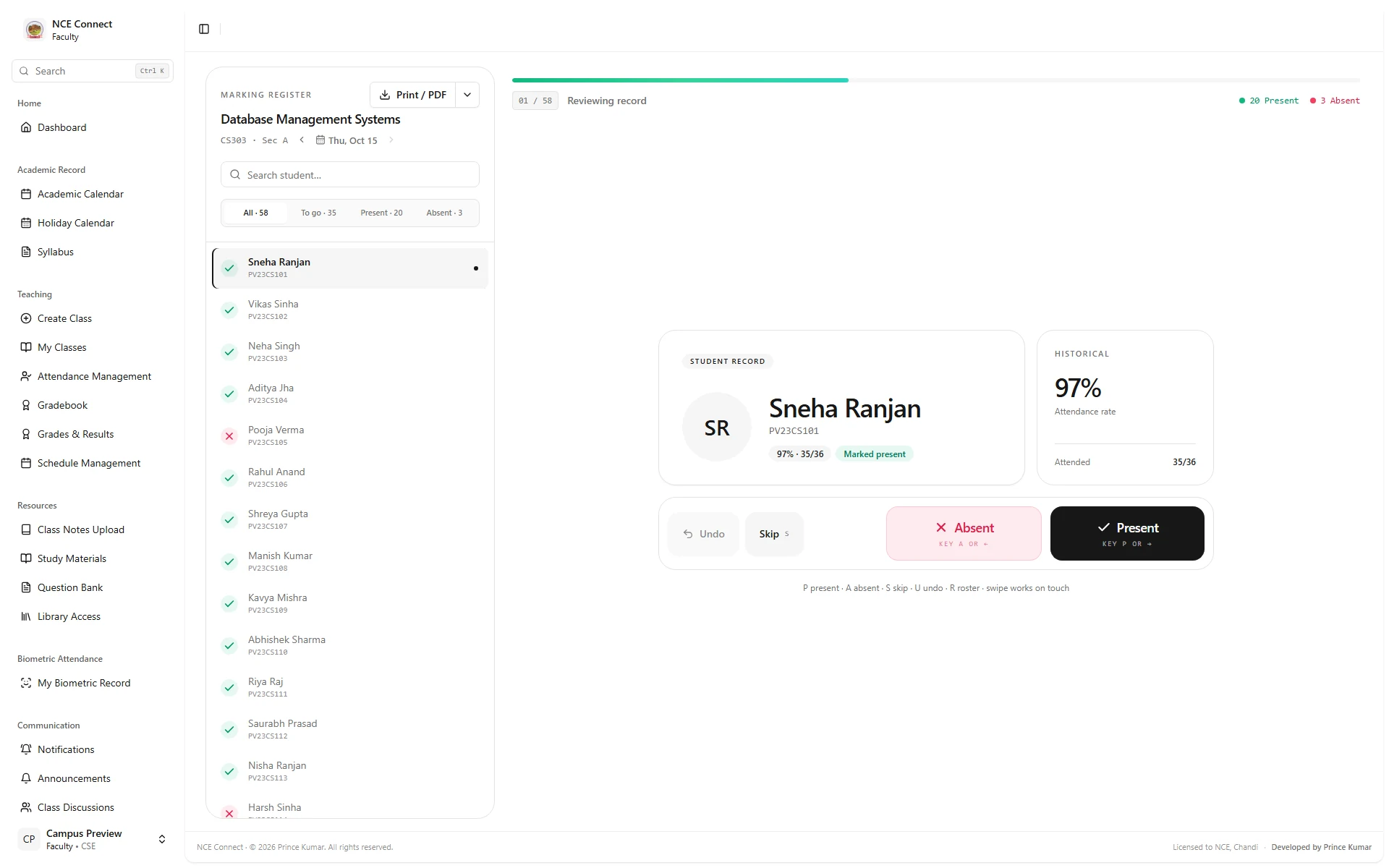
Biometric attendance from eSSL and ZKTeco terminals.
Biometric terminals from eSSL and ZKTeco sync with the system on their own, so nobody copies punches from a machine into a spreadsheet. A biometric control room shows terminal health, punches, attendance totals and recent syncs, and highlights what needs a decision.
- Automatic sync from campus terminals
- Terminal health checks in one place
- Exceptions surfaced for review
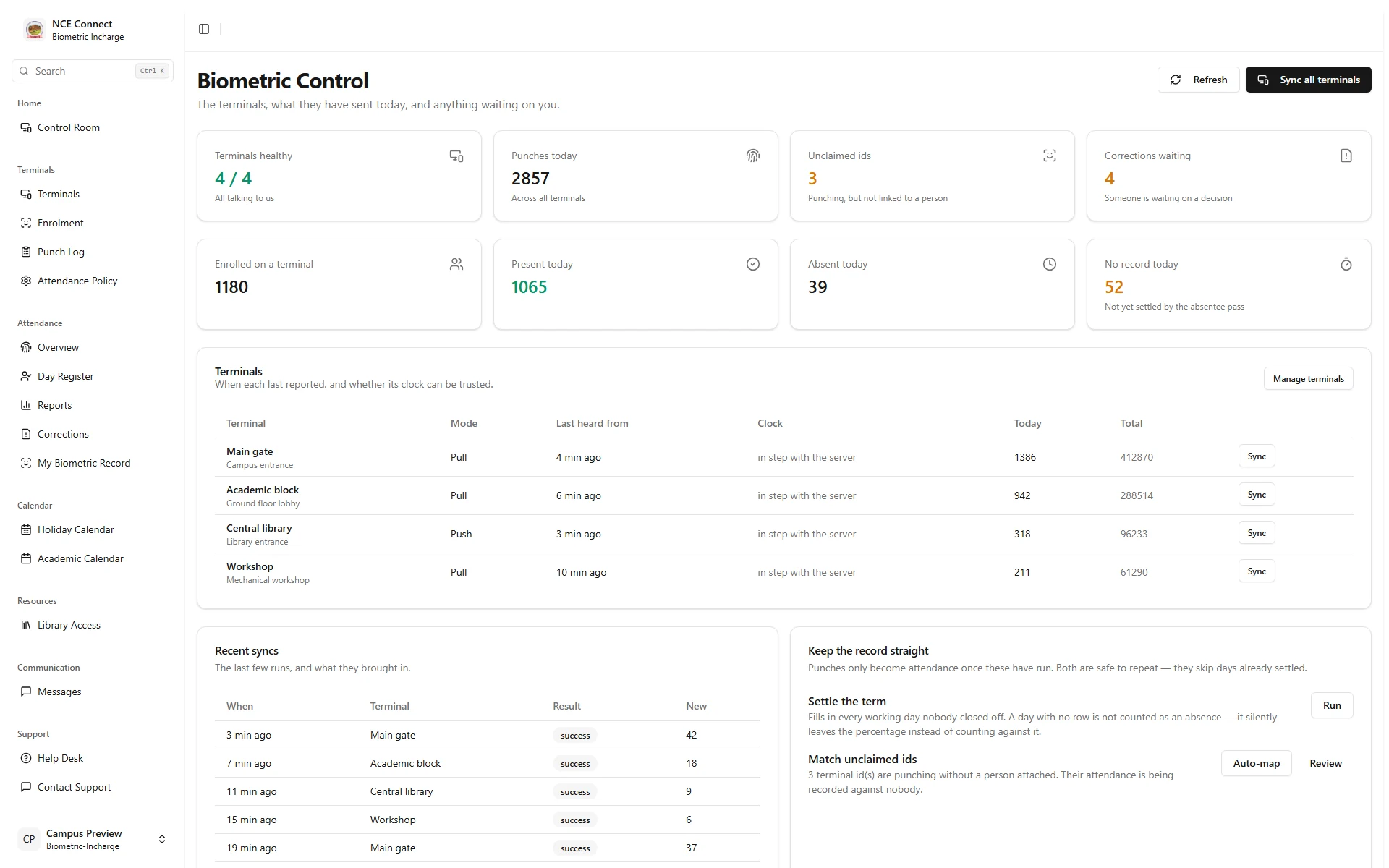
Low attendance, flagged while there is time to act.
Heads of department and the principal see today’s attendance, the trend across the term and a list of students who need attention first. Students see their own attendance on their dashboard, so there are no surprises at the end of the semester.
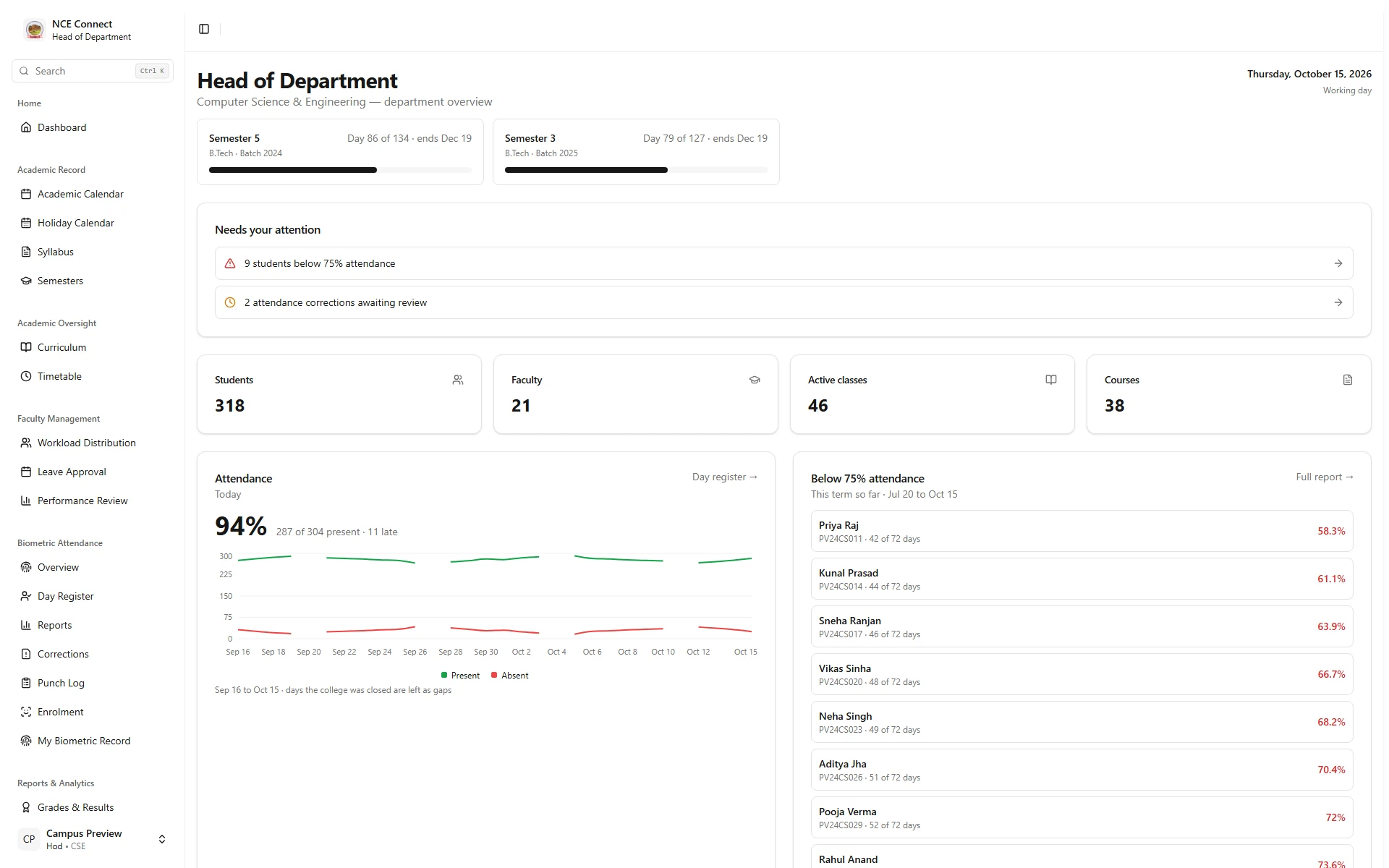
Screens are captured from the actual NCE Connect frontend with fictional preview records. No real student, staff or institutional data is shown.
Everything an attendance system needs.
Part of a complete college ERP, or added to the software you already use.
Register and one-by-one marking
Faculty choose the faster way for each class.
Phone and desktop
The same register works on every screen.
Biometric sync
eSSL and ZKTeco terminals send punches automatically.
Terminal health
See which terminals are online and when each last synced.
Trends and alerts
Department and institution-wide trends with low-attendance lists.
Student view
Students check their own attendance at any time.
Registers and exports
PDF, Excel and CSV exports and signed printouts.
Role-based access
Faculty, heads of department and the principal each see what their role needs.
Live notifications
Announcements and updates reach every role as they happen.
Attendance questions, answered.
Something else on your mind? Write to [email protected] and we will get back to you.
Does it work with our biometric attendance machines?
NCE Connect syncs with eSSL and ZKTeco terminals. For other brands, we check the connection options the device supports and confirm what can be integrated before the project starts.
Can faculty mark attendance on a mobile phone?
Yes. The attendance register works in the browser on any phone, so faculty can mark a class without installing anything. A dedicated Android or iOS app can be built if you need one.
Can we export attendance registers?
Registers can be exported as PDF, Excel or CSV, and printed with signatures for your records.
Can students see their own attendance?
Yes. Each student sees their attendance on their own dashboard, alongside results, assignments and their next class.
Can you add attendance to the software we already use?
Often, yes. We assess your current software and the integrations it supports, then recommend whether to connect a new attendance module or extend what you have. See our integrations and custom software work.
Related.
More of what Glass Lattice builds for institutions.
Ready to retire the paper register?
Tell us about your classes, terminals and reports. We will suggest where to start.